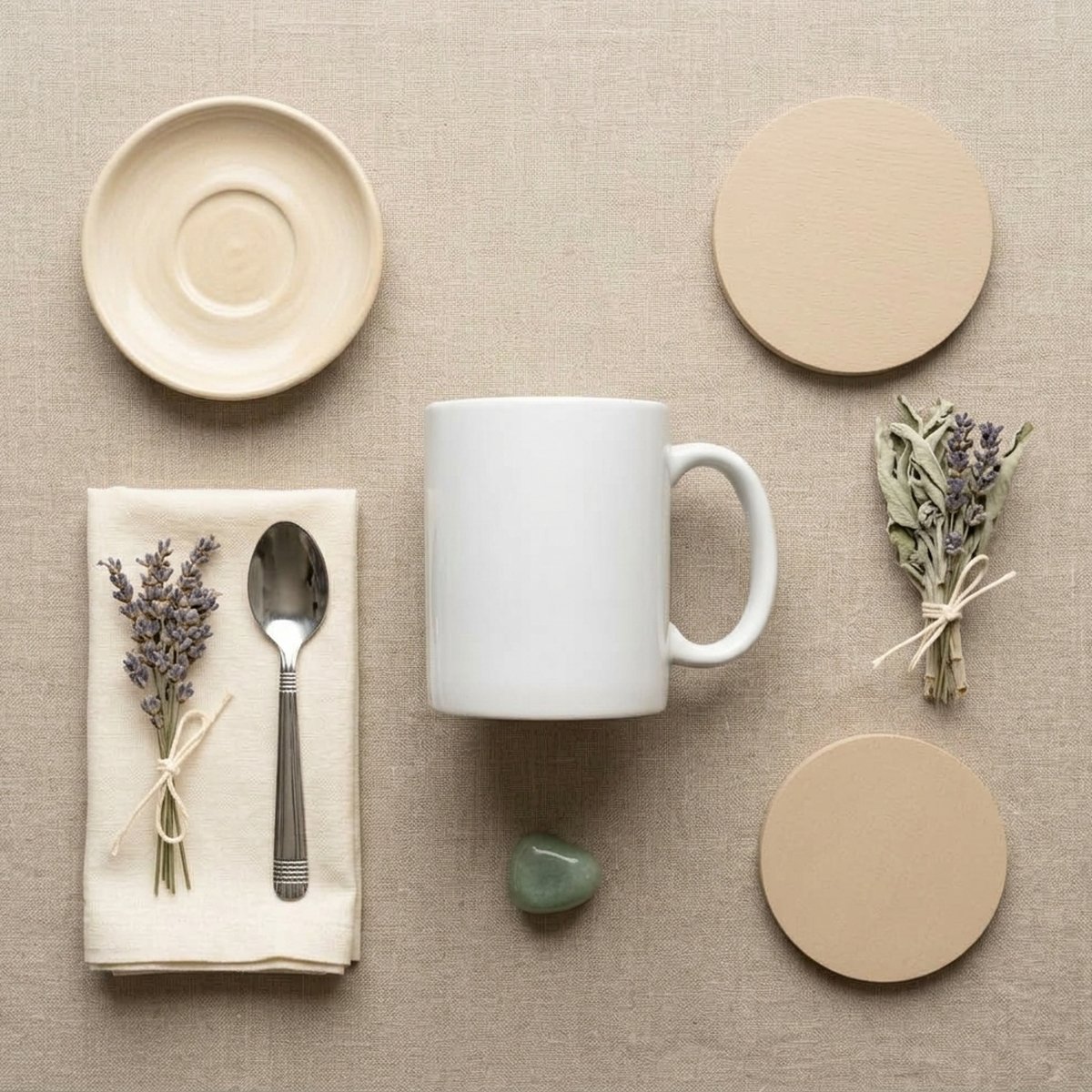
Turn a phone snap of your product into something that looks shot in a studio.
A product photo taken on a kitchen table has three problems an image model can fix: flat lighting, a distracting background, and no sense of scale. These prompts address all three by describing the light first and the scene second — which is the order a real photographer would work in.
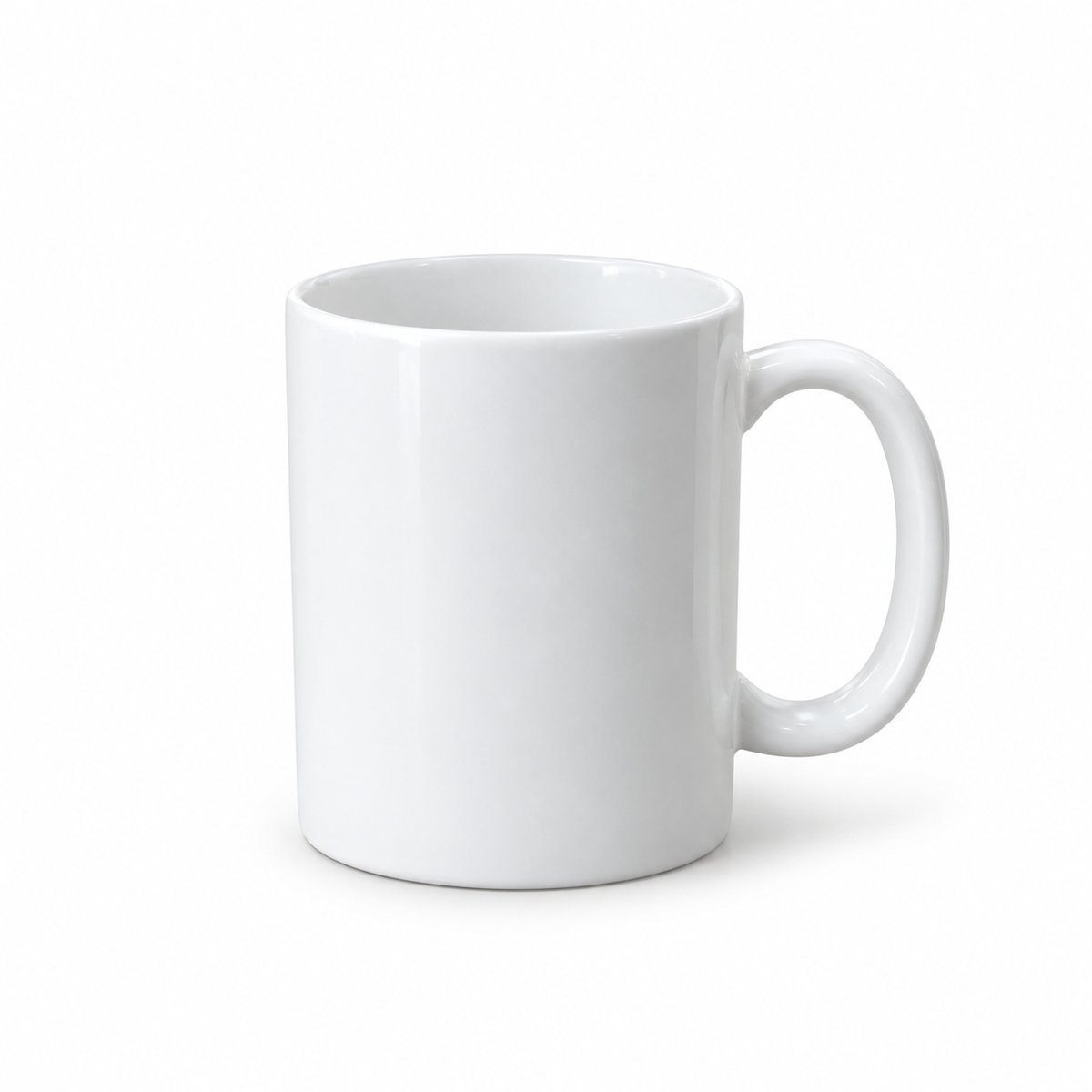
Clean Studio Shot
/studio
A catalogue-ready shot on seamless white with a soft contact shadow.
Your photoWith this prompt
⇄
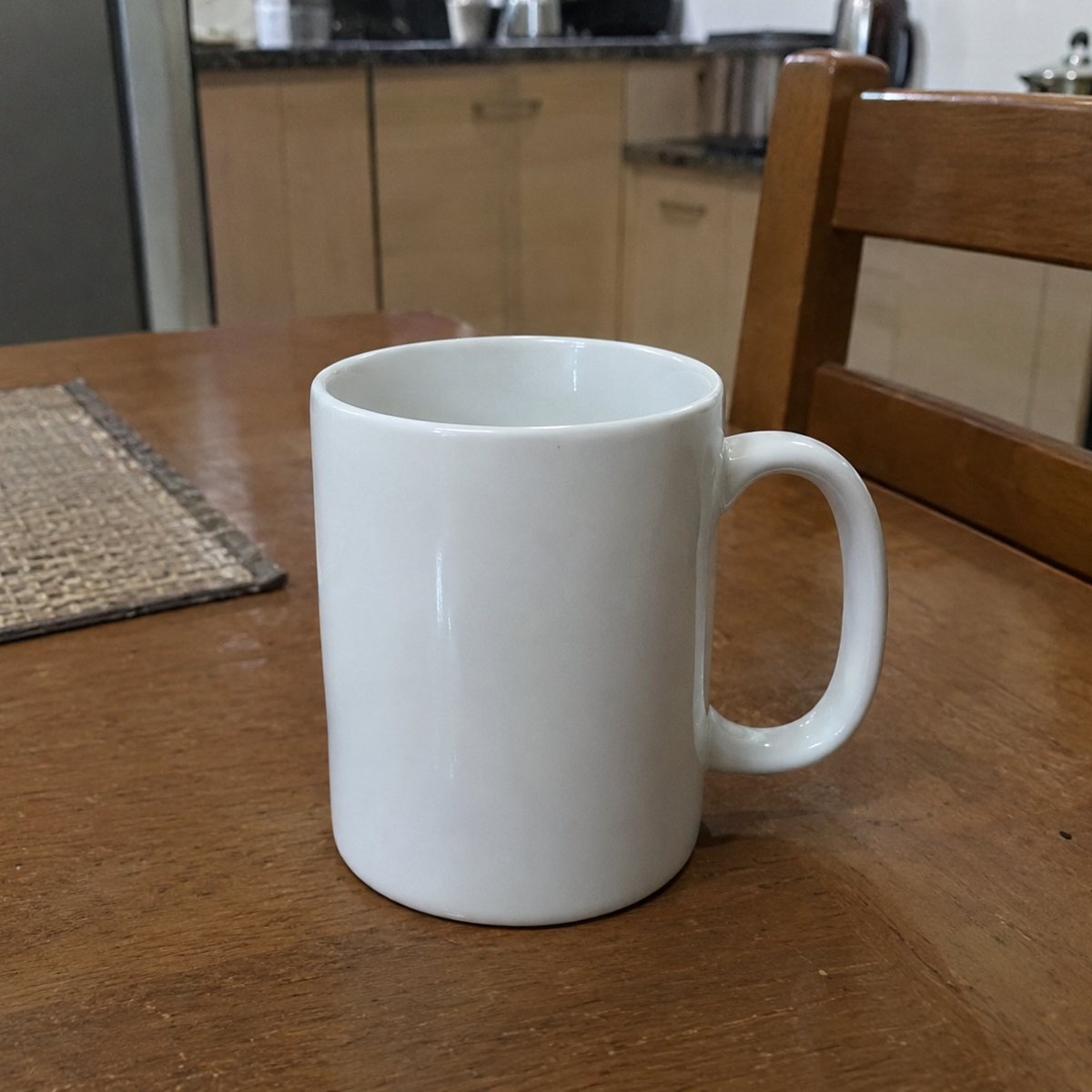
Before: an ordinary phone photo. After: generated with ChatGPT using this exact prompt.
Studio product photograph of the attached item on a seamless white background. Three-point softbox lighting, large key light from upper left, fill card on the right to lift shadows, subtle rim light separating the product from the background. Soft contact shadow directly beneath the product. Shot on an 85mm lens at f/8, product perfectly in focus front to back. Colours accurate to the original, no colour cast. Square composition with generous margin around the product.
ChatGPTGeminiMidjourney
Lifestyle In-Use Shot
/lifestyle
The product in a real setting with hands or context, not isolated on white.
Your photoWith this prompt
⇄
Before: an ordinary phone photo. After: generated with ChatGPT using this exact prompt.
Lifestyle photograph of the attached product being used in a bright modern kitchen. Morning window light from the left, warm and directional, soft shadows. Shallow depth of field with the product sharp and the background gently blurred. A hand entering frame naturally holding the product. Shot on a 35mm lens at f/2.0, eye level. Natural colour grading, slightly warm white balance. Composition leaves clear negative space in the upper right for text.
ChatGPTGemini
Gravity-Defying Float
/gravitydefying
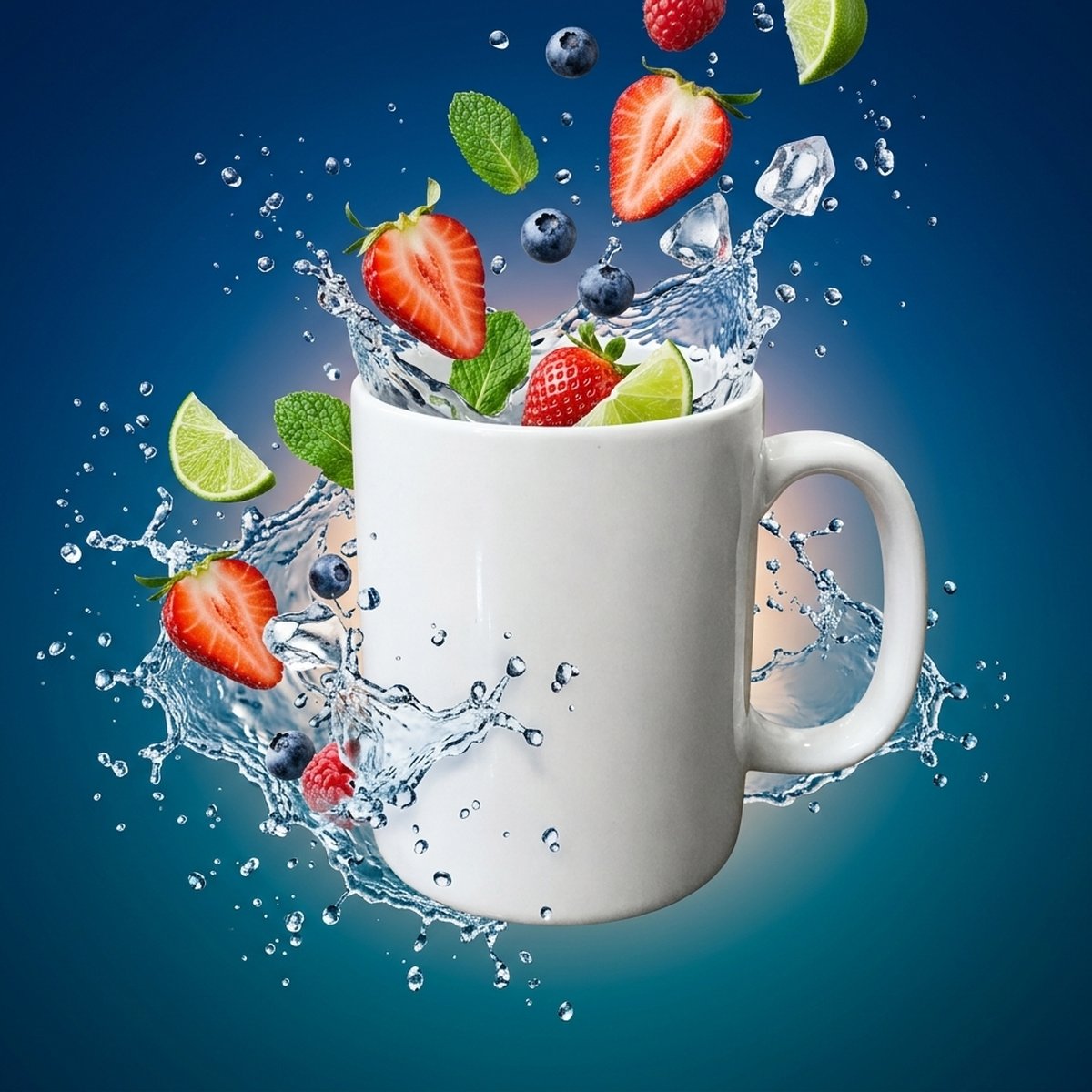
The product suspended mid-air with its ingredients or splash frozen around it.
Your photoWith this prompt
⇄
Before: an ordinary phone photo. After: generated with Gemini using this exact prompt.
Dynamic commercial photograph of the attached product floating in mid-air, rotated slightly toward the camera. Frozen splash of water and fresh ingredients suspended around it, caught mid-motion. High-speed flash freezing every droplet sharply. Deep blue to teal gradient background with a soft glow behind the product. Shot on a 100mm macro lens, everything crisply in focus. Vibrant, high-contrast commercial colour grade.
ChatGPTGeminiMidjourney
Dark Luxury Hero
/luxury
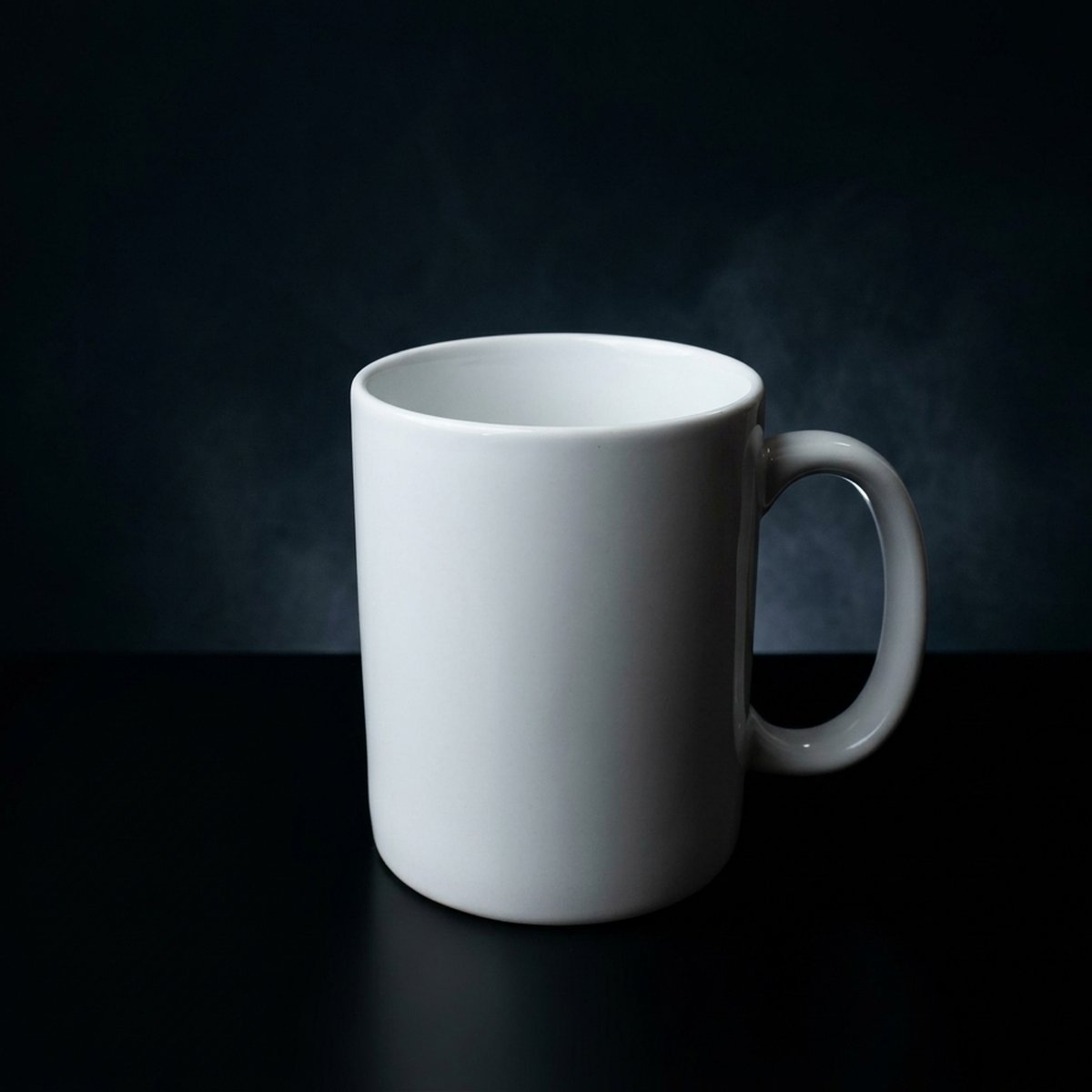
A moody, high-end shot with controlled highlights on a dark set.
Your photoWith this prompt
⇄
Before: an ordinary phone photo. After: generated with Gemini using this exact prompt.
Luxury product photograph of the attached item on a matte black surface against a near-black background. Single large softbox positioned high and slightly behind the product, creating a bright highlight along its top edge and deep falloff below. Thin reflection on the surface beneath. Faint mist in the background catching a rim of light. Shot on a 100mm lens at f/5.6. Rich, low-key colour grade with clean blacks and no lifted shadows.
ChatGPTGeminiMidjourney
Organised Flat Lay
/flatlay
A top-down arrangement of the product with related props, evenly lit.
Your photoWith this prompt
⇄
Before: an ordinary phone photo. After: generated with Gemini using this exact prompt.
Top-down flat lay photograph of the attached product arranged on a warm neutral linen surface. Related props placed with deliberate spacing around it, not touching. Soft even diffused daylight from above with minimal shadows. Shot straight down at 90 degrees, no perspective distortion, 50mm lens. Muted natural palette of cream, sand and soft green. Balanced composition with equal breathing room on all sides.
ChatGPTGemini
Hard Shadow Editorial
/shadowplay
A bright shot with a sharp graphic shadow falling across the frame.
Editorial product photograph of the attached item on a warm sand-coloured surface. Single hard light source from the upper right creating a crisp, well-defined shadow with clean edges falling to the lower left. Shadow of window blinds or palm fronds cast across part of the frame. No fill light, shadows allowed to go deep. Shot on a 50mm lens at f/8. Warm, slightly desaturated colour grade with a filmic feel.
ChatGPTGeminiMidjourney
Deconstructed Ingredients
/ingredients
The product surrounded by its raw ingredients, arranged deliberately.
Overhead photograph of the attached product at the centre of the frame, surrounded by its raw ingredients arranged in a loose radial pattern with clear space between each element. Soft even diffused light from above, gentle shadows. Muted natural surface in warm stone grey. Shot straight down at 90 degrees, 50mm lens, everything in focus. Natural colour, ingredients looking fresh and unstyled.
ChatGPTGemini
Size In Context
/scale
The product held or placed next to something familiar, so size reads instantly.
Photograph of the attached product held in a hand against a plain neutral background, showing its true scale clearly. Natural relaxed grip, fingers not obscuring the front label. Soft diffused daylight from the front left. Shot on a 50mm lens at f/4, product and hand both sharp. Neutral colour grade, accurate skin tones. Simple uncluttered composition with the product as the clear subject.
ChatGPTGemini
Seasonal Styling
/seasonal
The product styled for a specific season, for campaign and social use.
Seasonal product photograph of the attached item styled for autumn. Warm low-angle afternoon light with long soft shadows. Dry leaves, a folded wool throw and a warm ceramic mug arranged nearby but not crowding the product. Rich amber, rust and deep green palette. Shot on a 50mm lens at f/2.8, product sharp with props falling gently out of focus. Cosy inviting colour grade with warm highlights.
ChatGPTGemini
Impact Hero Shot
/impact
A dramatic hero image with the product lit like the only thing that matters.
Dramatic hero photograph of the attached product, centred and shot slightly below eye level so it looks imposing. Dark gradient background falling to near black at the edges. Strong key light from above and slightly behind creating a bright rim along the top edge of the product, with a controlled reflection running down the front face. Deep contrast, rich blacks, no flat grey areas. Soft pool of light on the surface beneath. Shot on a 100mm lens at f/8, product sharp throughout. Label and branding fully legible and undistorted.
ChatGPTGeminiMidjourney
Splash Advert
/adsplash
The product surrounded by flying ingredients and liquid, like a TV commercial frame.
High-speed advertising photograph of the attached product as the centred hero, surrounded by its own ingredients frozen mid-air — splashes, droplets and pieces suspended around it in a loose ring, none overlapping the product itself. Bright saturated background in a colour drawn from the packaging. Crisp high-speed flash lighting freezing all motion sharply, no motion blur. Strong rim light separating every element from the background. Shot on a 100mm lens at f/11 so both the product and the flying elements are sharp. Vivid punchy colour grade. Packaging text fully legible and undistorted.
ChatGPTGeminiMidjourney
Premium Showcase
/premiumshowcase
A restrained luxury still life with warm light and natural props.
Luxury still-life photograph of the attached product resting on a natural stone slab. Warm directional light from the upper right, low and raking, casting a long soft shadow to the left. Rich warm colour palette, deep amber and gold tones, background falling into soft darkness. Two or three natural props placed sparingly and slightly out of focus — dried botanicals, raw wood, a fold of silk. Shallow depth of field with the product label perfectly sharp. Shot on a 100mm macro lens at f/4. Subtle highlights on the glass or packaging edges. Composition calm and uncluttered with clear space above the product.
ChatGPTGeminiMidjourney
Motion FX Blast
/impactfx
The product at the centre of an energetic explosion of ice, powder or particles.
Dynamic advertising photograph of the attached product centred and upright, at the centre of an outward burst of ice cubes, droplets and fine particles radiating symmetrically from behind it. Warm glowing backlight behind the product creating a halo and rim light through the flying elements. Dark warm background at the edges. High-speed flash freezing every particle sharply. Radial composition drawing the eye inward to the product. Shot on an 85mm lens at f/11. High contrast, energetic saturated grade. Product label sharp, fully legible and unobstructed at all times.
ChatGPTGeminiMidjourney
Working with product photography prompts
1Shoot your reference on a plain surface in daylight near a window. The model can change the lighting, but it cannot invent detail your photo never captured.
2Wipe the product first. Dust and fingerprints survive into the generated image and look worse once the lighting is dramatic.
3Upload the photo, paste the prompt unedited, and run it three times before changing anything.
4If the packaging text comes out garbled, lower the ambition: ask for a tighter crop so the label is larger in frame.
5Change one clause at a time — the surface, then the light direction, then the lens. Changing three at once tells you nothing about which one mattered.
Mistakes that ruin product photography results
Asking for a wide aperture
f/1.8 blurs the back of your product and any text on it. For products, f/5.6 to f/8 keeps the whole thing sharp.
Describing the product
The reference photo already shows what it looks like. Describing it again fights the image and drifts the result away from your actual packaging.
Stacking quality words
“8K, ultra-detailed, masterpiece, professional” does almost nothing. One concrete lighting instruction outperforms all of them together.
Which AI tool do these product prompts work with?+
They are written for image models that accept a reference photo — ChatGPT with image input, Gemini, and the image-to-image modes of Midjourney and Stable Diffusion. The wording stays plain on purpose: no tool-specific tags like "--ar 16:9", so the same prompt survives being pasted anywhere.
Why does the text on my packaging come out garbled?+
Because the model is redrawing the label rather than copying it. The fix is framing, not wording: ask for a tighter crop so the label occupies more of the frame, or accept a three-quarter angle where the text is partly turned away. Anything that makes the type small and front-on will produce nonsense letters.
Can I use these images for my shop or Amazon listing?+
Check the marketplace rules rather than the model's. Amazon, for instance, requires the main listing image to be a real photograph of the actual product on a white background — a generated version can breach that even if the model's licence allows commercial use. Generated shots are safer as secondary lifestyle images, ads and social posts.
Why did my product change shape or colour?+
Usually because the prompt describes the product as well as the scene. The reference photo already establishes what it looks like; describing it again gives the model permission to reinterpret it. Delete every adjective about the product itself and keep only the light, the surface and the camera.
Do I need a good camera for the reference shot?+
No, but you need a clean one. A phone photo in daylight near a window is enough. The model can relight a scene; it cannot recover detail that was never captured, so a blurred or very dark reference produces a convincing image of the wrong product.
New to this? The guide to AI product photo prompts walks through how these are structured and why each clause matters. Once you have an image you like, you can put it on an animated card with the wish card maker.
👋 Hey! I'm ToolLabBrain — your guide to ToolLabHQ.
I can help you:
• Make a wish card for any occasion
• Find the right career tool: resume, ATS check or portfolio
• Explain how each tool works
• Answer questions about privacy, cards and expiry
What are you working on today?